💬Get free consultation
Who can use this feature?
- Helpdesk is in early access. Request early access (opens in a new tab) and we turn it on for your store.
- Once Helpdesk is on for your store, it works on every plan
- You see Helpdesk when your role can view tickets
Ticket fields
Custom fields show on the ticket panel. Rules can use them.
What this is for
A ticket field is an extra fact on the ticket panel, such as a topic or a yes or no.
This helps you record the same fact on every ticket, and let a rule use that fact later.
Dropdown, Number, Text, and Yes/No are the types. A field you already see, including Topic or Market, was added on that store.
How to add a ticket field
- In Helpdesk, open settings, then open Ticket fields.
- Click Add field.
- Name the field and pick a type. The types are Dropdown, Number, Text, and Yes/No.
Expected result: The field is listed, and it shows on the ticket panel.
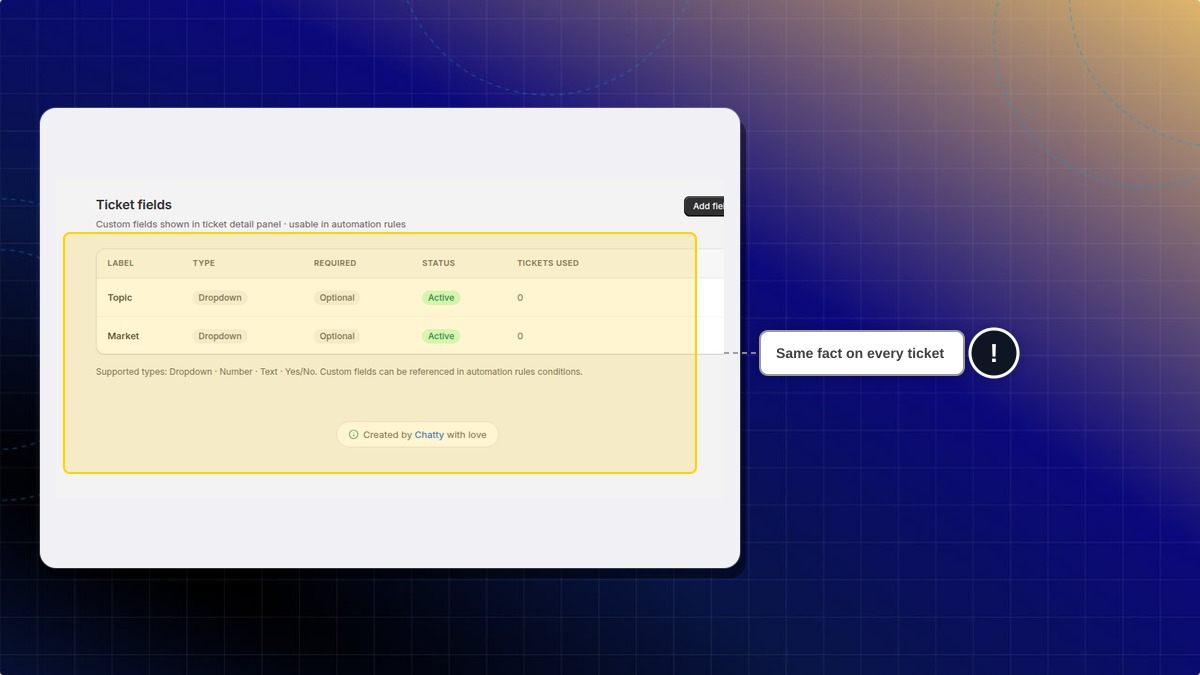
Why do I see Topic and Market?
Those are fields on that store. A new store does not start with them. Add the fields you want.
 Chatty Help Center