💬Get free consultationEmail
Who can use this feature?
- Helpdesk is in early access. Request early access (opens in a new tab) and we turn it on for your store.
- Once Helpdesk is on for your store, it works on every plan
- You see Helpdesk when your role can view tickets
Helpdesk ticket mode is off until you turn it on. You set it separately for each email address.
What this is for
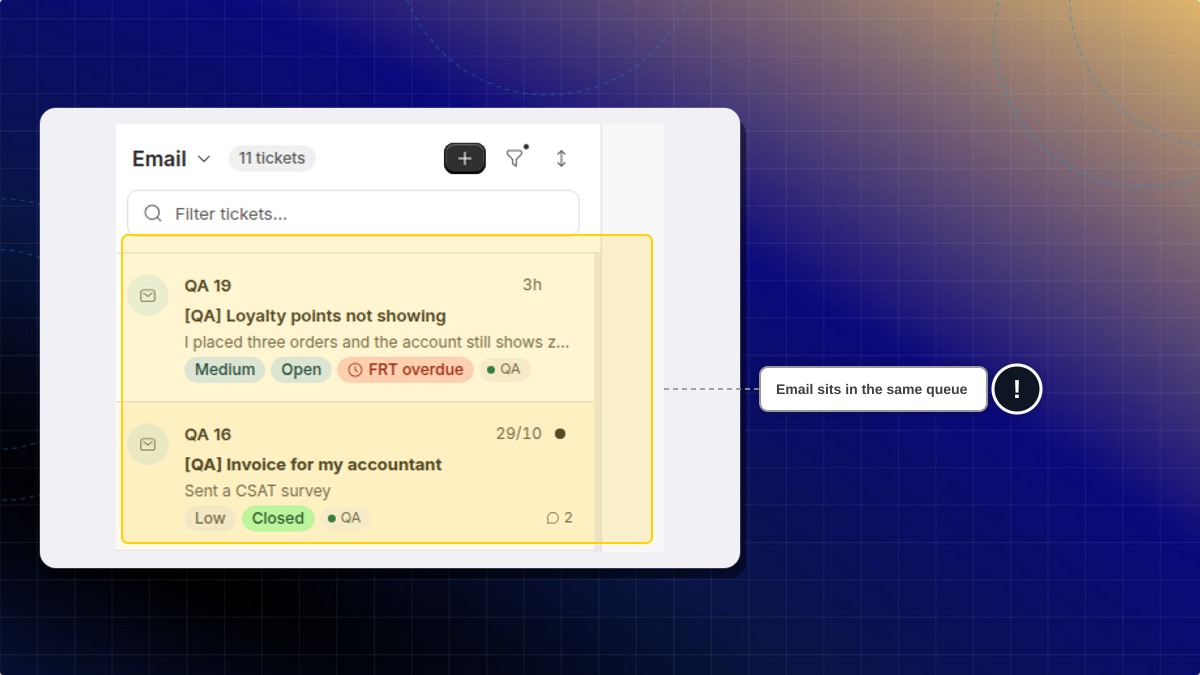
Helpdesk ticket mode sends new mail into Helpdesk as a ticket.
This helps you treat email like the rest of the queue.
How to turn incoming email into tickets
- Go to Settings, then Channels, then Email.
- Open the email address.
- Turn on Helpdesk ticket mode. It saves as soon as you switch it.
The switch reads: Create a Helpdesk ticket instead of a conversation for incoming email.
Expected result: Email that arrives after this becomes a Helpdesk ticket. It does not open as an Inbox conversation.
The sign-off on those replies is in Email signature.
What about email already in Inbox?
It stays a conversation. The switch only changes email that arrives after you turn it on.
 Chatty Help Center