Kiwi Size Chart
Who can use this feature?
- This feature is available for Pro & Plus plan users.
What is Kiwi Size Chart integration
Kiwi Size Chart is a Shopify app that shows size charts on your product pages. When you connect it to Chatty, your AI reads the product's Kiwi chart when a shopper asks about size.
The AI can quote the exact measurement the shopper asks for, not just point to the chart. It also reads the text and measuring tips you added to the chart. This helps you keep your size charts in one app, with no copying into Chatty.
How to connect Kiwi Size Chart
Before you start, make sure:
- Kiwi Size Chart is installed on your store, and your products have size charts in it
- The Size guide skill is on. Learn how in Size guide.
-
Go to Settings → Integrations.
-
Find Kiwi Size Chart and click Manage.
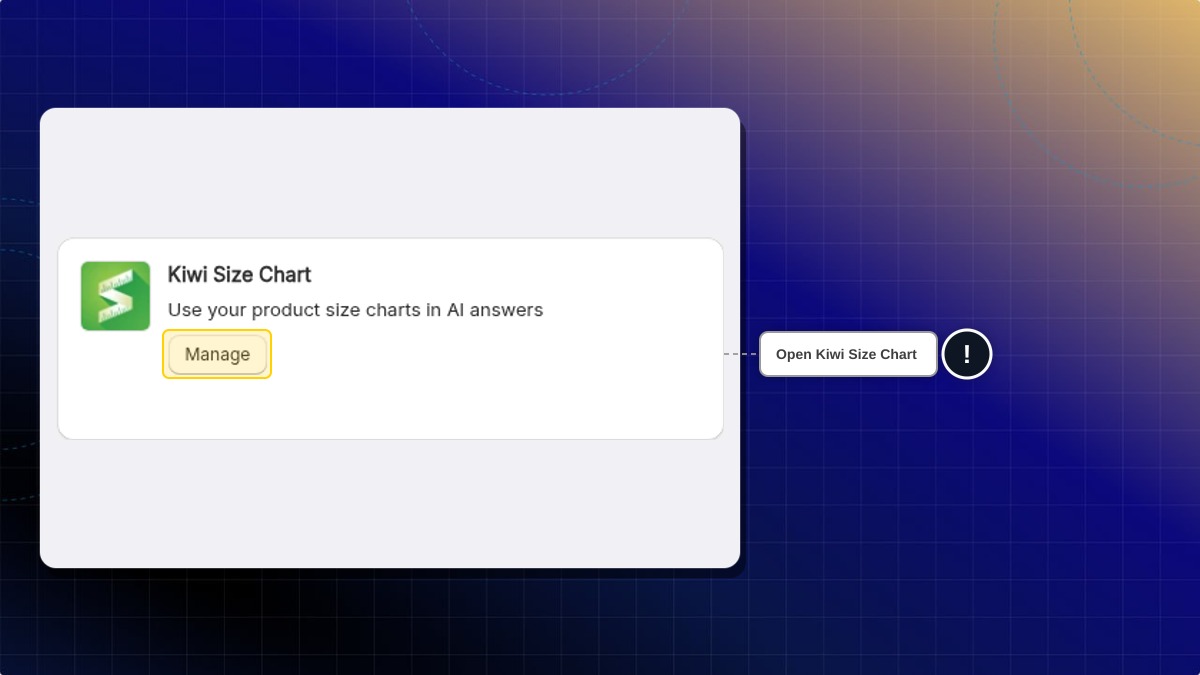
You can also open this page from the Size guide skill. Click Kiwi Size Chart under Size chart apps.
-
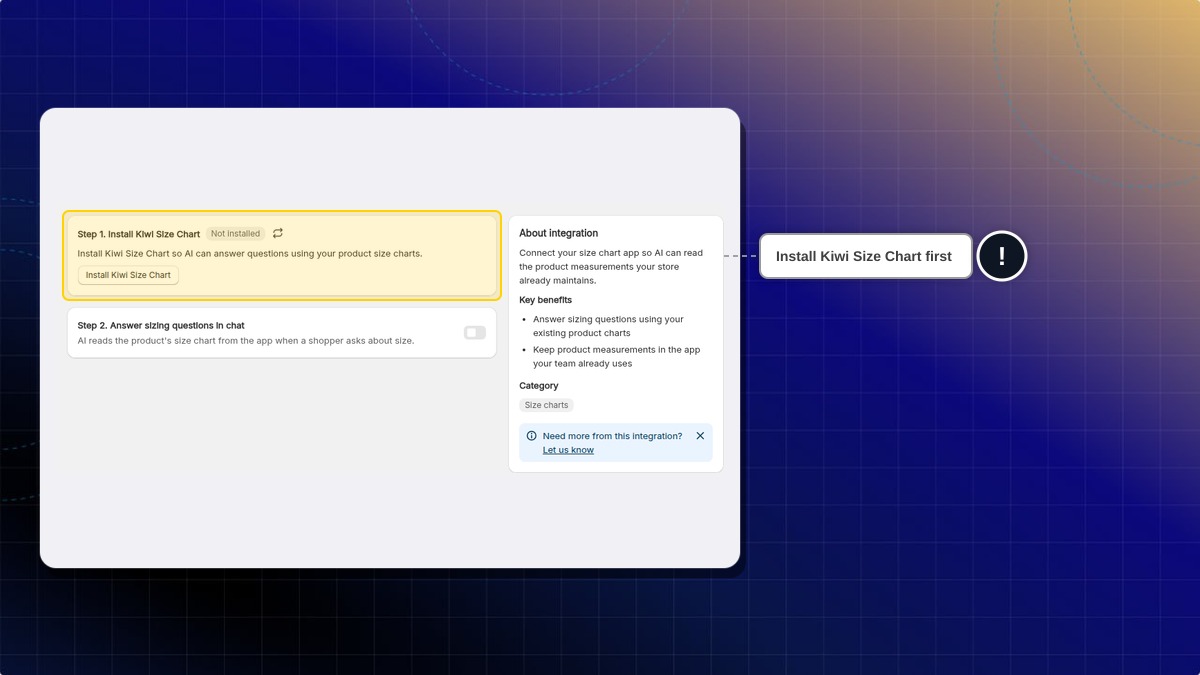
Check the badge next to Install Kiwi Size Chart. If it says Not installed, click Install Kiwi Size Chart and install the app. Then click the refresh icon next to the badge.
-
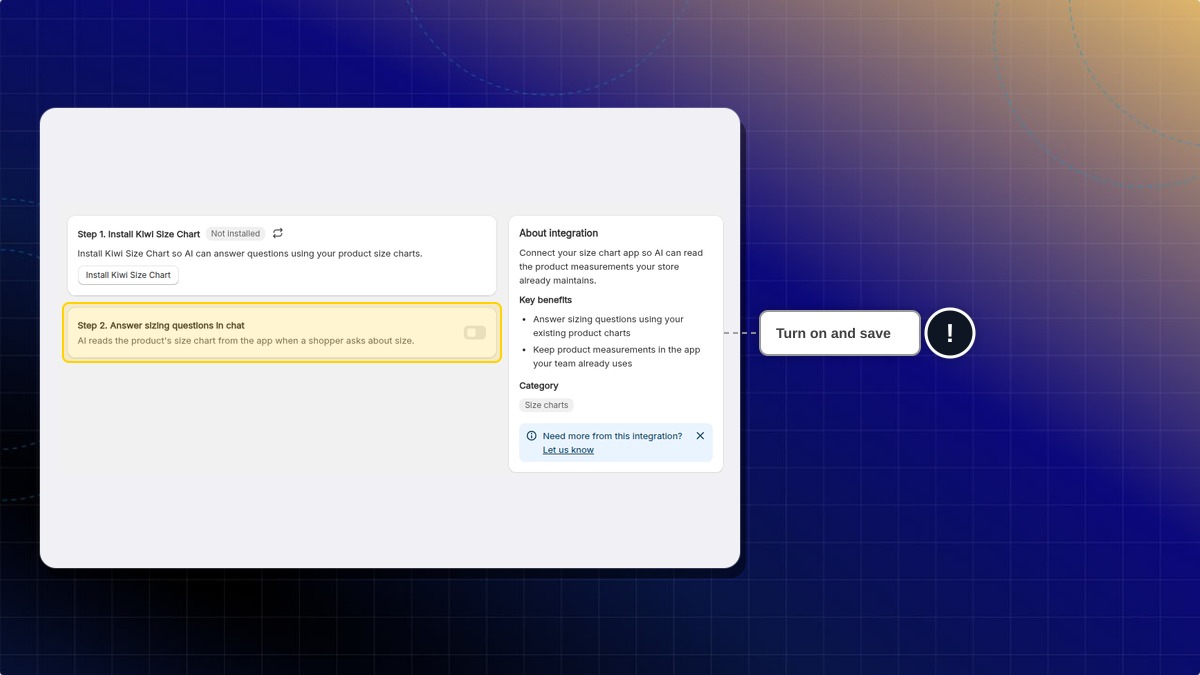
Turn on Answer sizing questions in chat.
-
Click Save.
Expected result: The badge next to the page title changes from Not connected to Connected. When a shopper asks about size, the AI uses the product's Kiwi chart.
The integration is off by default. The switch stays locked until Chatty finds Kiwi Size Chart on your store.
What if I also added size guides in Chatty?
If the product has a chart in Kiwi Size Chart, the AI uses the Kiwi chart for that product. If the product has no Kiwi chart, the AI uses the size guides you added in Chatty, as before. The same happens if Kiwi Size Chart can't be reached at that moment.
I changed a chart in Kiwi. When does the AI see it?
Within 10 minutes. Chatty keeps each product's Kiwi chart for up to 10 minutes before reading it again. Charts you turn off in Kiwi Size Chart are not used.
Why can't I turn the switch on?
The switch stays locked when:
- Kiwi Size Chart is not installed. Install it, then click the refresh icon.
- Chatty could not check the app. The badge shows
Could not check. Click the refresh icon to try again. - Your team role can't edit Integrations. Ask the store owner for edit access.
Can I use this on the Free or Basic plan?
No. You can turn the switch on, but the AI only reads Kiwi charts on the Pro and Plus plans.
 Chatty Help Center