Gorgias
What is Gorgias integration?
Gorgias integration automatically saves your Chatty conversation history to Gorgias as support tickets.
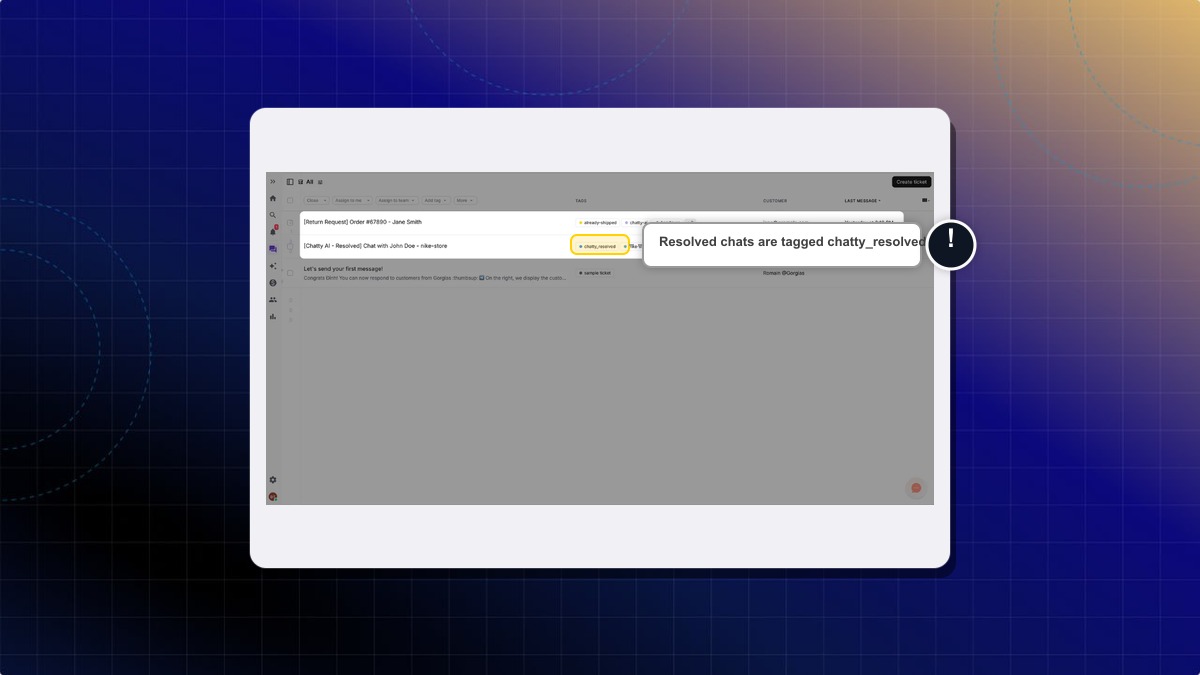
When a conversation with a customer email is resolved by AI or an agent in Chatty, the system creates a closed ticket in Gorgias with the full conversation transcript and customer details, tagged chatty_resolved.
Why integrate Gorgias?
With Gorgias integration, you can:
- Automatically save resolved conversations that have a customer email as Gorgias tickets
- Keep complete conversation history in one central system
- Identify Chatty-handled tickets quickly with the
chatty_resolvedtag - Access customer interaction records without manual work
How to connect Gorgias with Chatty
Go to Gorgias Integration
- Go to Settings → Integrations
- Find Gorgias in the integrations list
- Click Manage
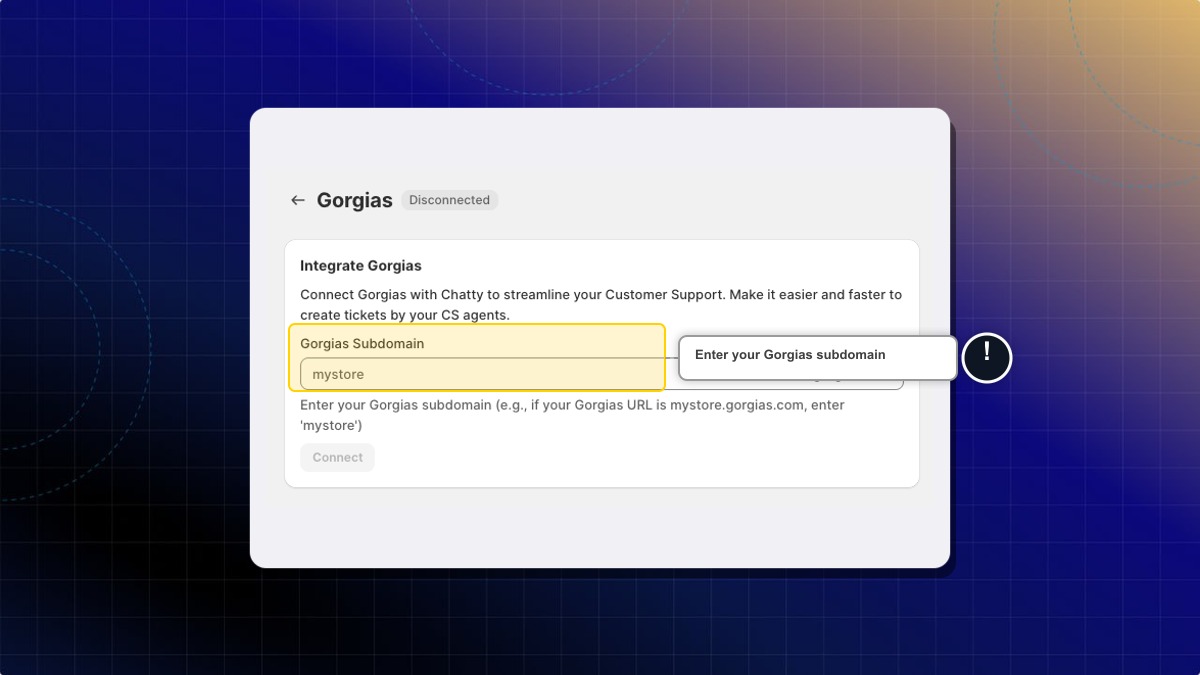
Enter your Gorgias subdomain
Enter your Gorgias account subdomain.
Your Gorgias subdomain is the first part of your Gorgias URL. For example, if your Gorgias URL is mystore.gorgias.com, your subdomain is mystore.
Authorize connection
- Click Connect
- You'll be redirected to the Gorgias OAuth page
- Click Allow to authorize Chatty
- You'll be redirected back to Chatty
- Your connection status will show as Connected
How Gorgias integration works
Automatic ticket creation
When a conversation is resolved by AI or an agent in Chatty inbox, the integration automatically creates a closed ticket in Gorgias.
Gorgias needs the customer's email to create a ticket. Conversations without a customer email are not saved to Gorgias.
Each ticket includes:
- Customer profile information (name, email, contact details)
- Complete conversation transcript
- The
chatty_resolvedtag - Timestamp of the conversation
Reopened conversations
If you reopen and resolve a conversation again, Chatty creates a new ticket in Gorgias instead of updating the previous ticket. This helps you track each support interaction separately.
 Chatty Help Center