Who can use this feature?
- Helpdesk is in early access. Request early access (opens in a new tab) and we turn it on for your store.
- Once Helpdesk is on for your store, it works on every plan
- You see Helpdesk when your role can view tickets
Dashboards
A dashboard is your own view of live metric widgets.
What this is for
A dashboard is a view you build from live widgets.
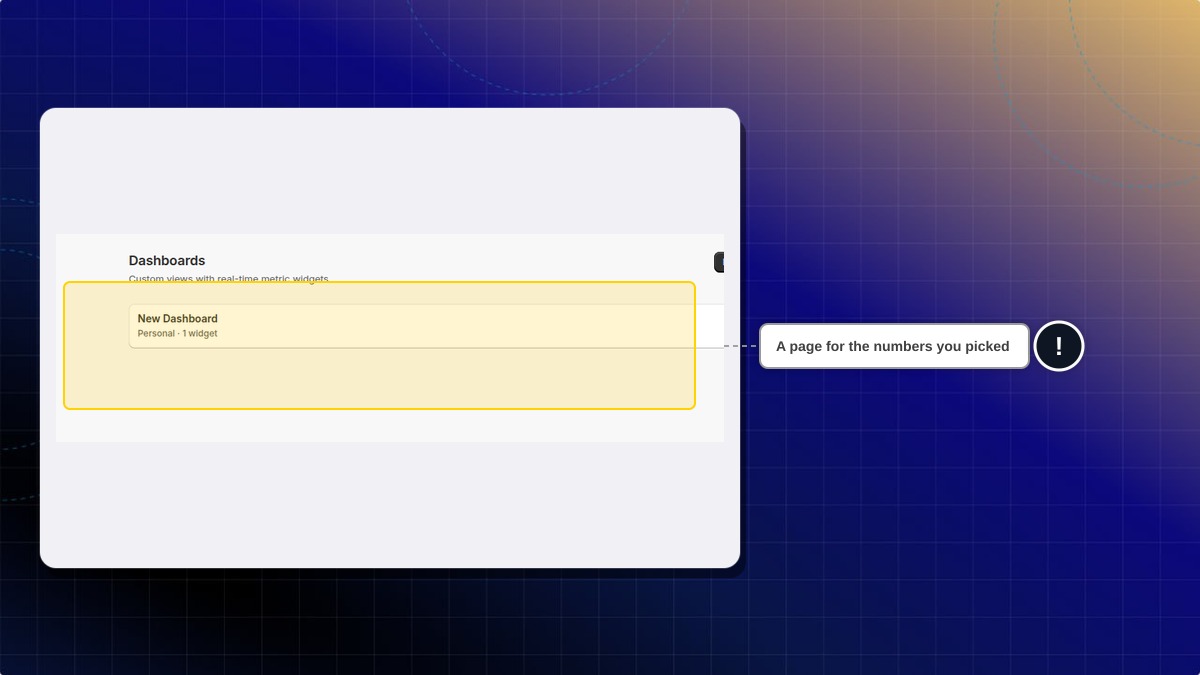
This helps you watch the numbers you care about, on one page, separate from the shared Analytics report.
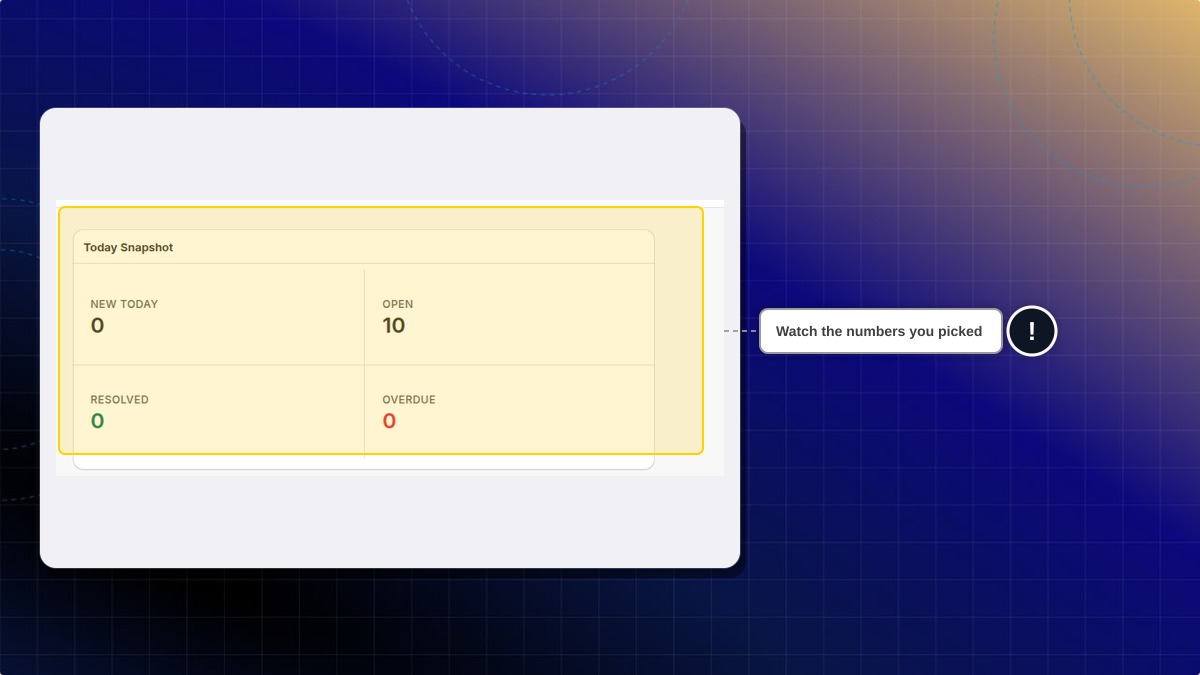
Helpdesk names a new one New Dashboard and marks it Personal. Today Snapshot shows new today, open, resolved, and overdue. Those counts are for your store.
Add widget is where you put a number on the page. The other widgets cover volume, speed, satisfaction, channel, SLA, and topics.
How to create a dashboard
- In Helpdesk, open Dashboards.
- Click New dashboard. Helpdesk creates one named New Dashboard.
- Click Edit, then click Add widget.
- Click Today Snapshot, or another widget in the list.
- Click Done.
Expected result: The dashboard is listed as Personal, with a widget count. Today Snapshot shows new today, open, resolved, and overdue. The counts are for your store.
The widget list also includes Tickets Volume, FRT Trend, ART Trend, Agent Leaderboard, CSAT Gauge, CSAT Trend, Channel Mix, SLA Breach Rate, and Trending Topics.
Is this the same as Analytics?
No. Analytics is the shared report. A dashboard is a view you build.
 Chatty Help Center