💬Get free consultation
AI channels
Who can use this feature?
- This feature is available for Pro & Plus plan users
- You also need at least one supported channel connected
What are AI channels?
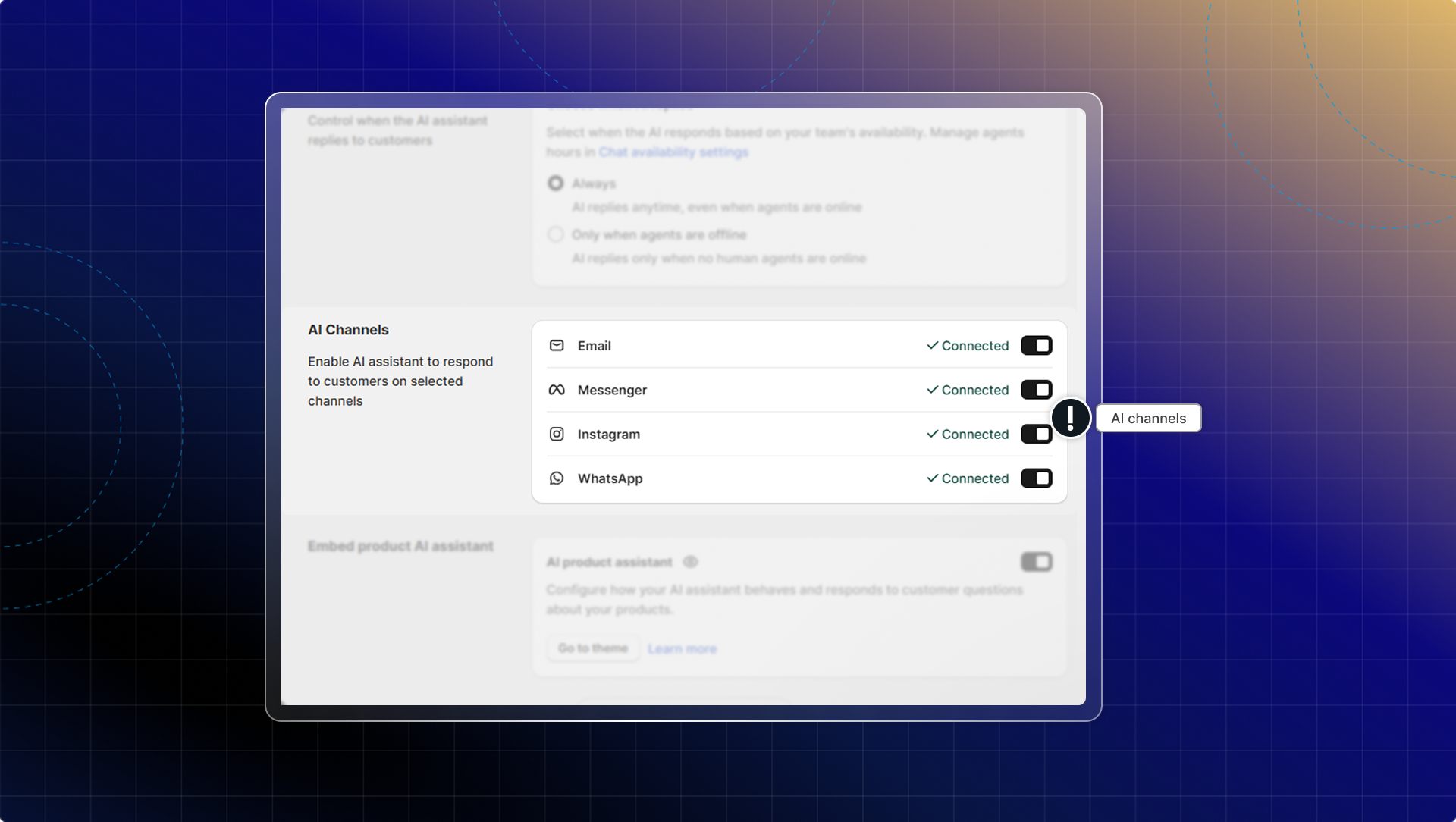
AI channels allow your AI assistant to automatically respond to customer messages across multiple communication platforms, including email, Facebook Messenger, Instagram, and WhatsApp (coming soon).
When enabled, AI provides instant responses to customer inquiries on these channels, helping you maintain consistent support coverage even when your team isn't available.
Set up AI channels
Before setting up AI channels, make sure you have:
- Activated & trained AI assistant
- Connected the channels where you want AI to respond
Enable AI auto-reply for channels
Go to AI agent
Go to Settings → AI Channels
Turn on AI auto-reply on your channels:
- Email: Toggle on to enable automatic email responses
- Messenger: Toggle on for Facebook Messenger auto-replies. This will be applied to all connected pages.
- Instagram: Toggle on for Instagram direct message auto-replies
- WhatsApp: Toggle on for WhatsApp auto-replies
Click Save to apply your settings
Notes
- Response delay: AI automatically responds after 5-25 seconds to allow time for human intervention
- Usage counting: AI responses on all channels count toward your plan's AI reply usage limit
- Product recommendations: Product suggestions will appear as links in social media channels instead of rich product cards
- Human handoff: You can join any conversation at any time to take over from AI
 Chatty Help Center