💬Get free consultation
Who can use this feature?
- Helpdesk is in early access. Request early access (opens in a new tab) and we turn it on for your store.
- Once Helpdesk is on for your store, it works on every plan
- You see Helpdesk when your role can view tickets
SLA
An SLA policy sets a first response target and a resolution target.
What this is for
An SLA policy is a time target for the first reply, and a time target for closing the ticket.
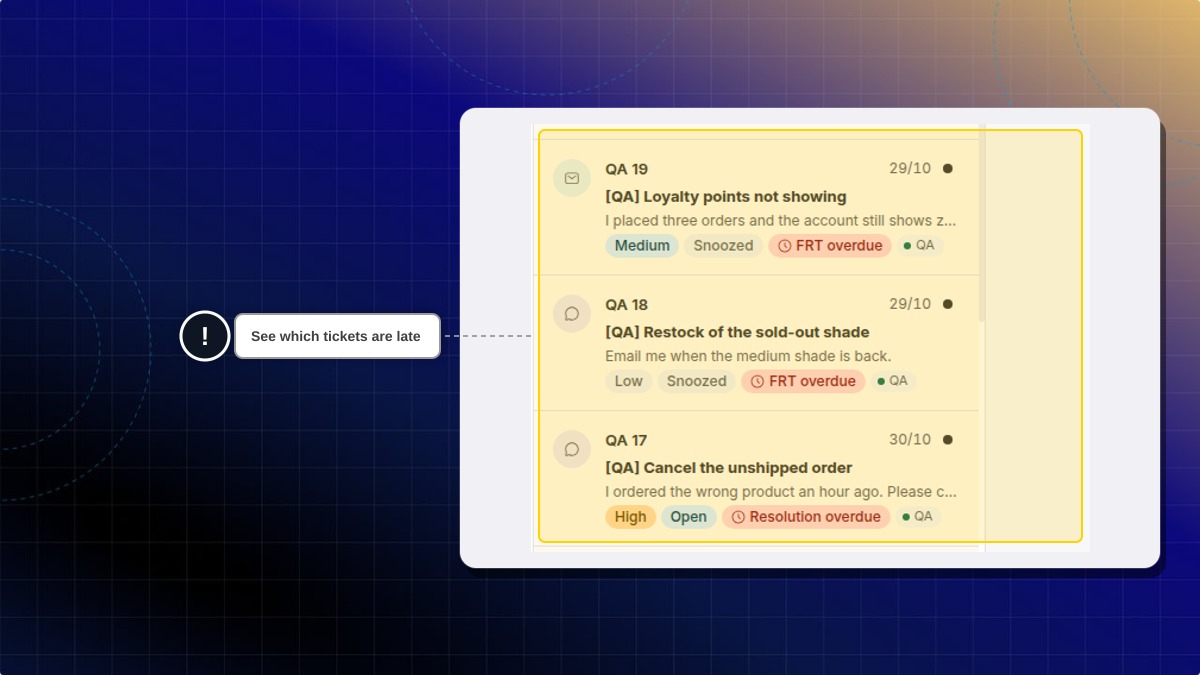
This helps you see which tickets are late before the customer has to ask again.
Policies run from top to bottom. The first policy that matches the ticket is the one that applies.
A target already saved on a store, including its minutes, was added there. It is not the product default.
How to create an SLA policy
- In Helpdesk, open settings, then open Automation.
- Open SLA policies.
- Click Create SLA.
- Name the policy, set the targets, and choose which tickets it matches.
Expected result: The policy is listed. Policies run from top to bottom. The first matching policy applies.
Is 60 minutes the default target?
No. A policy already on a store, including its minutes and whether it pauses outside business hours, was added there. Set the targets you want.
 Chatty Help Center