Who can use this feature?
- Helpdesk is in early access. Request early access (opens in a new tab) and we turn it on for your store.
- Once Helpdesk is on for your store, it works on every plan
- You see Helpdesk when your role can view tickets
Help Center
This Help Center lives inside Helpdesk. It is separate from the FAQ pages on your storefront.
What this is for
This Help Center is a set of articles inside Helpdesk. It is separate from the FAQ pages on your storefront.
This helps a shopper get an answer before they open a ticket, and helps your team keep an internal article the shopper cannot see.
Public is for customers. Internal is for your team. A category is required before you publish. Preview stays off until you enable the store page.
Titles you already see on a store are examples from that store. They are not product defaults.
How to add an article
- In Helpdesk, open Help Center.
- Open Articles.
- Click New article.
- Pick Blank article, then click Use this template.
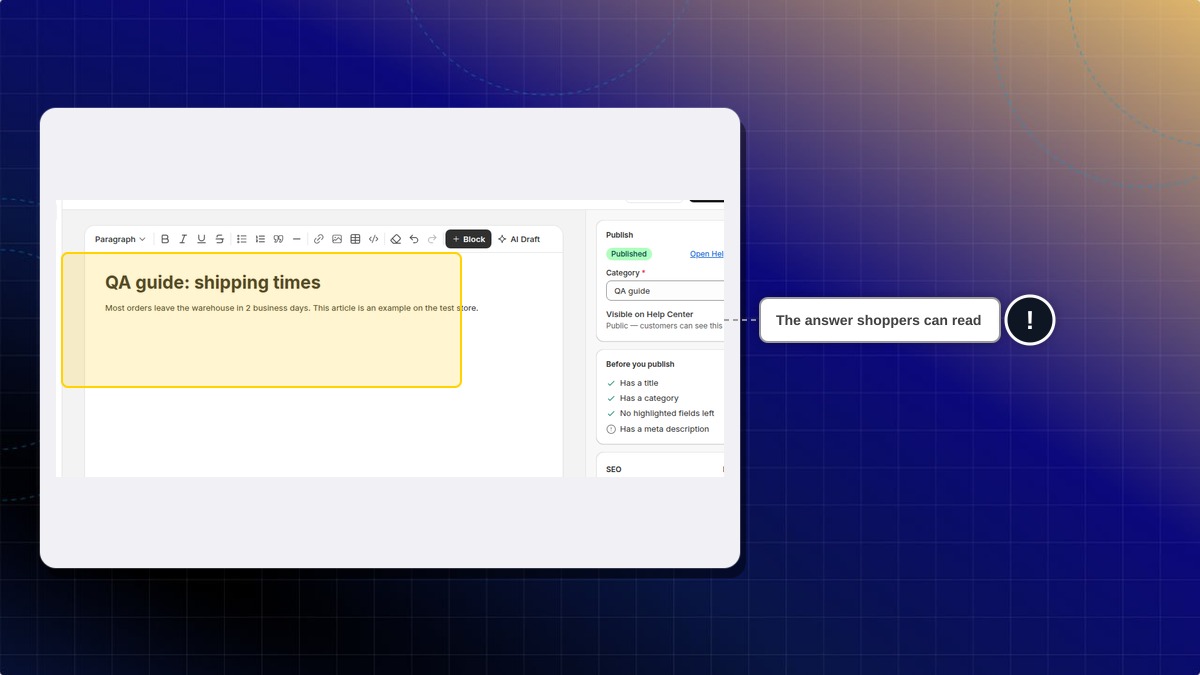
- Type a title, write the article, and choose a category. A category is required before you publish.
- Click Publish.
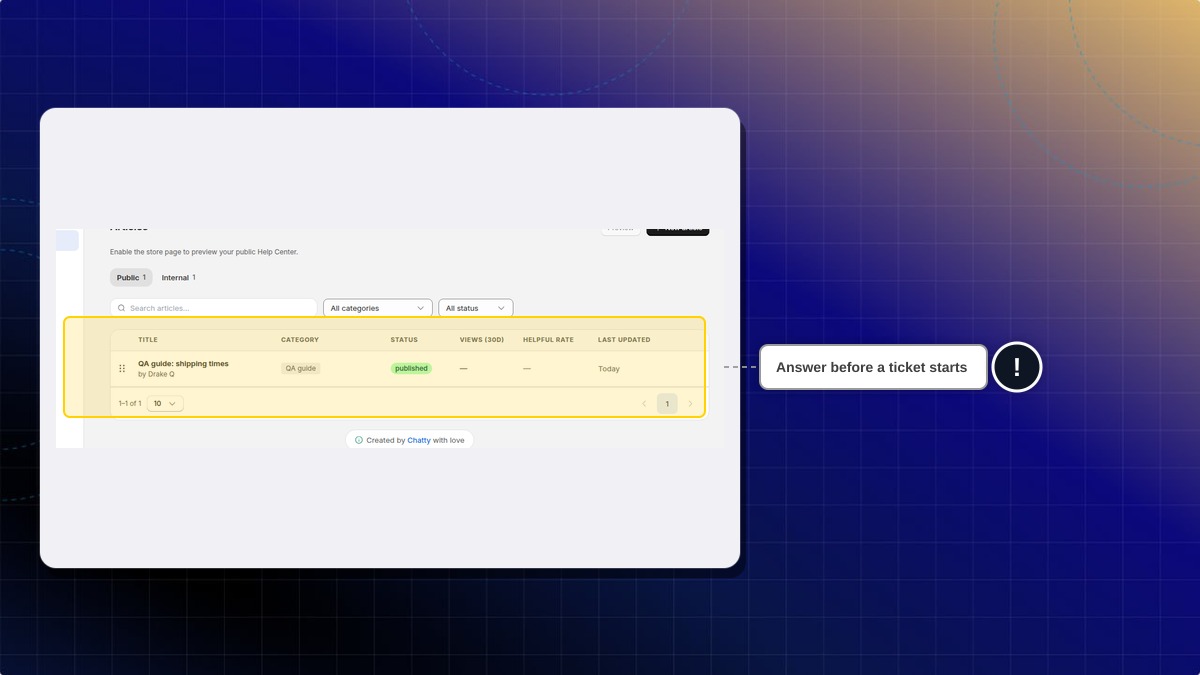
Expected result: The article is listed. Public and Internal each show a count. A public article shows under Public. An internal article shows under Internal.
On this test store, "QA guide: shipping times" is a public example in the category QA guide. "Where is my order?" is an internal example. These titles are examples, not defaults.
The same area has Categories, Approvals, Settings, Search Analytics, and Preview. Preview stays off until you enable the store page.
Why does the list say there are no articles?
The Public tab can be empty while Internal has articles. Open Internal, or clear the category and status filters.
 Chatty Help Center