💬Get free consultation
Reply
Who can use this feature?
- Helpdesk is available on every plan
- You see Helpdesk when your role can view tickets
How to reply to the customer
- Open the ticket in Inbox.
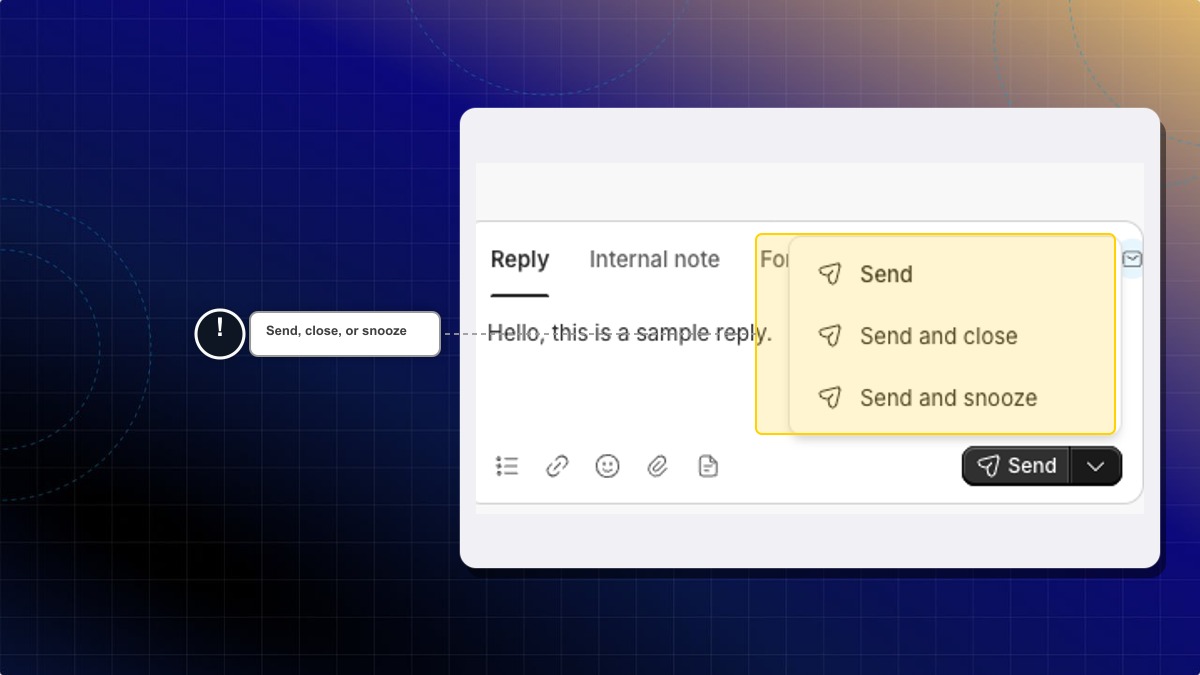
- Stay on the Reply tab.
- Write the reply.
- Click Send.
Open the send menu when you want a different ending. Send and close sends the reply and closes the ticket. Send and snooze sends the reply and snoozes the ticket.
Expected result: The customer receives the reply. Send leaves the ticket open.
How to leave an internal note
- Open the ticket.
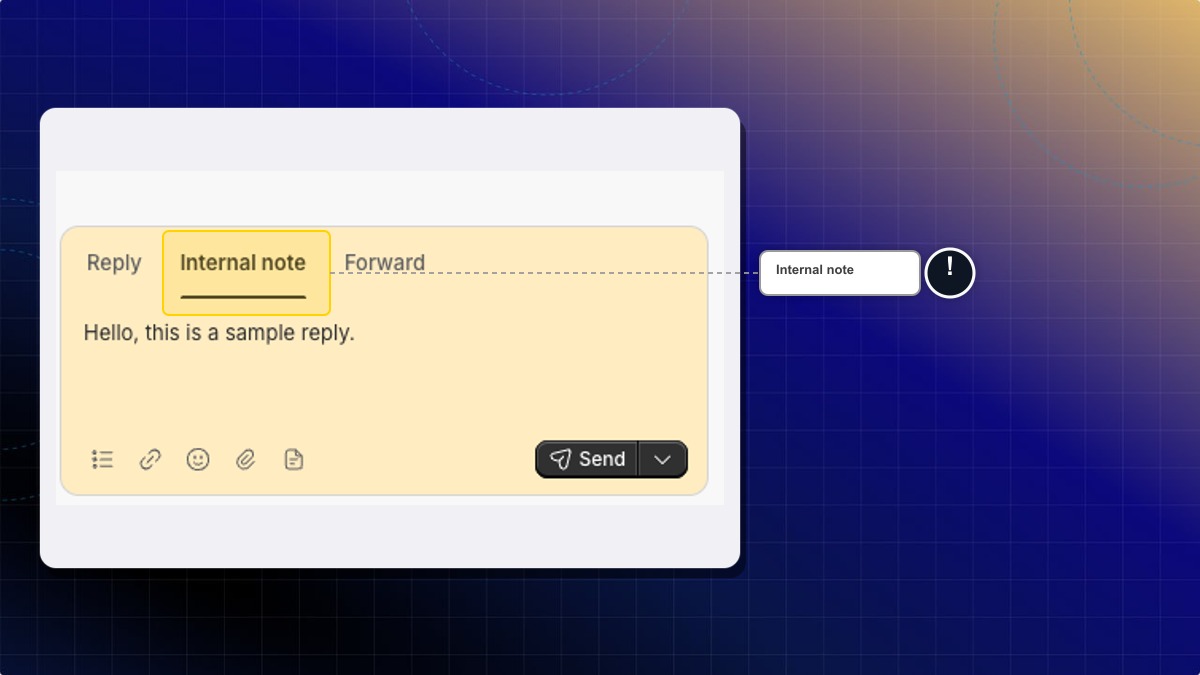
- Open the Internal note tab.
- Write the note and send it.
Expected result: The note stays on the ticket. The customer does not receive it.
Can I forward the ticket?
Yes. Open the Forward tab, enter the address, and click Forward.
 Chatty Help Center