Chatty Lab
Who can use this feature?
- This feature is available for Pro & Plus plan users.
What is Chatty Lab
Chatty Lab is a chat workspace where you ask an expert agent about your store setup. The agent reads your FAQs, scenarios, products, and recent conversations, then proposes specific fixes.
You stay in control. The agent never changes your settings on its own. It creates a proposal, and the change only happens after you accept it.
How to open Chatty Lab
There are two ways in. Both open the same workspace.
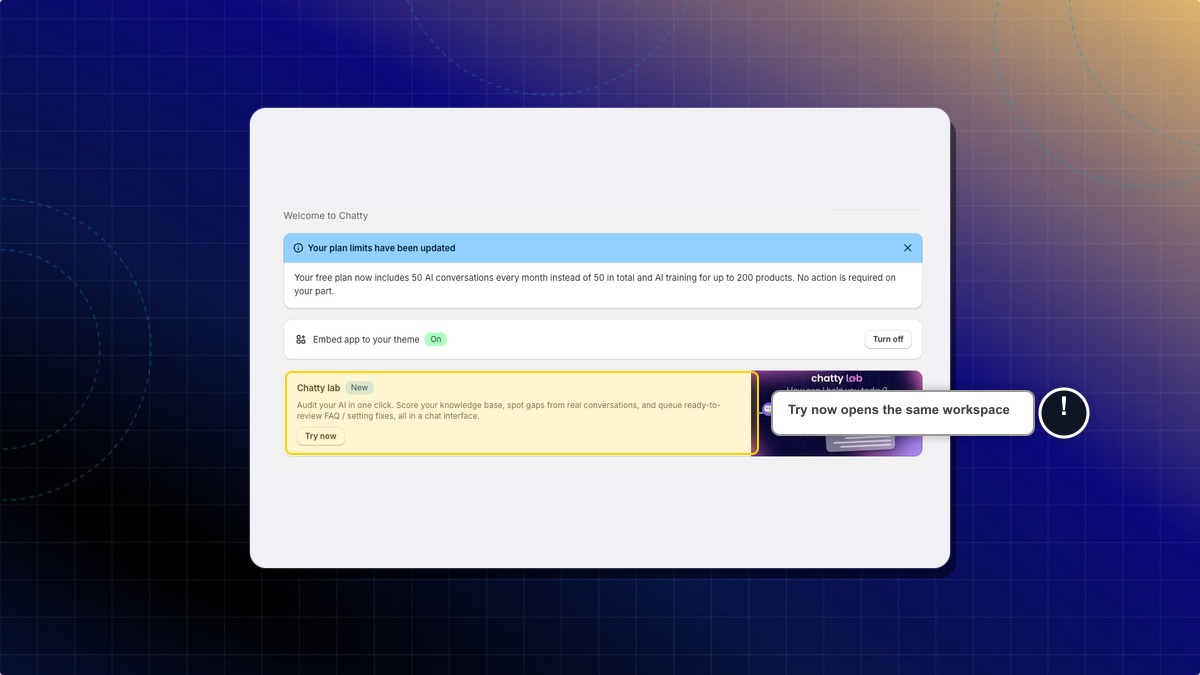
From the dashboard
- Go to Dashboard.
- Find the Chatty lab card and click Try now.
From the AI agent page
- Go to AI agent.
- Find the Chatty Lab card and click Open Chatty Lab.
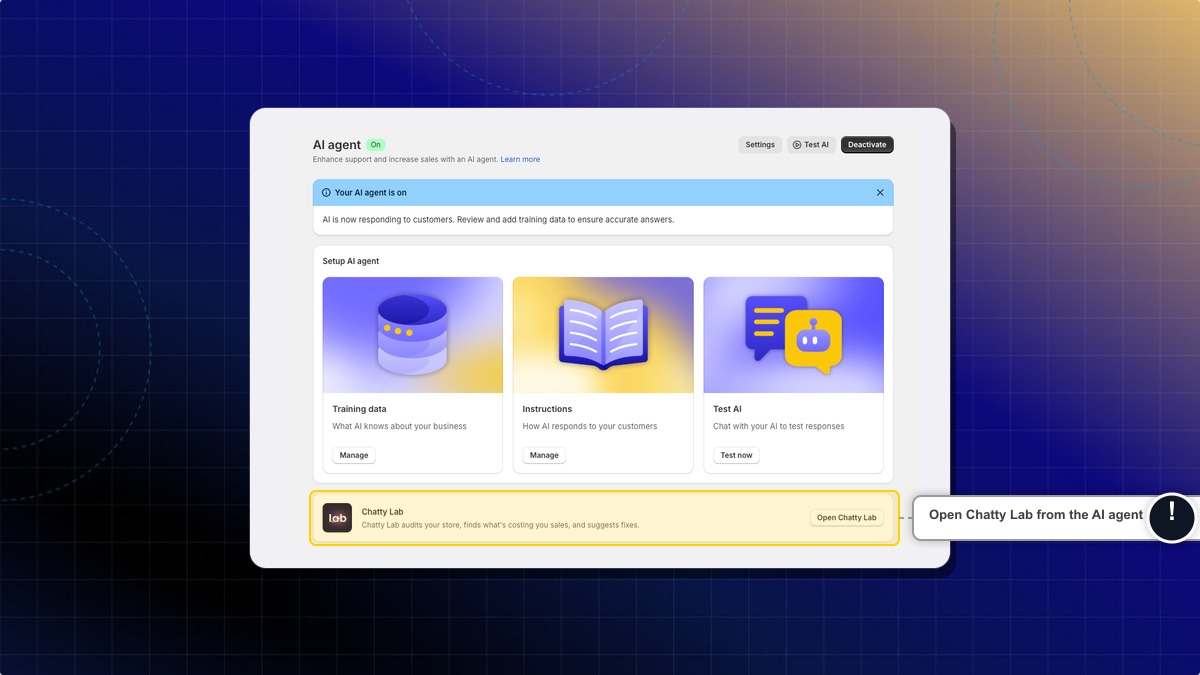
Expected result: The Chatty Lab workspace opens with an empty chat and the Proposals panel on the right.
How to run a store health check
A health check audits your shop data, scores your answer rate, and lists what to fix first.
- Click the message box at the bottom of the chat.
- Type
/healthcheckand press Enter. - Wait for the report to finish. It appears as a card inside the chat.
- Click View report on the card to open the full report.
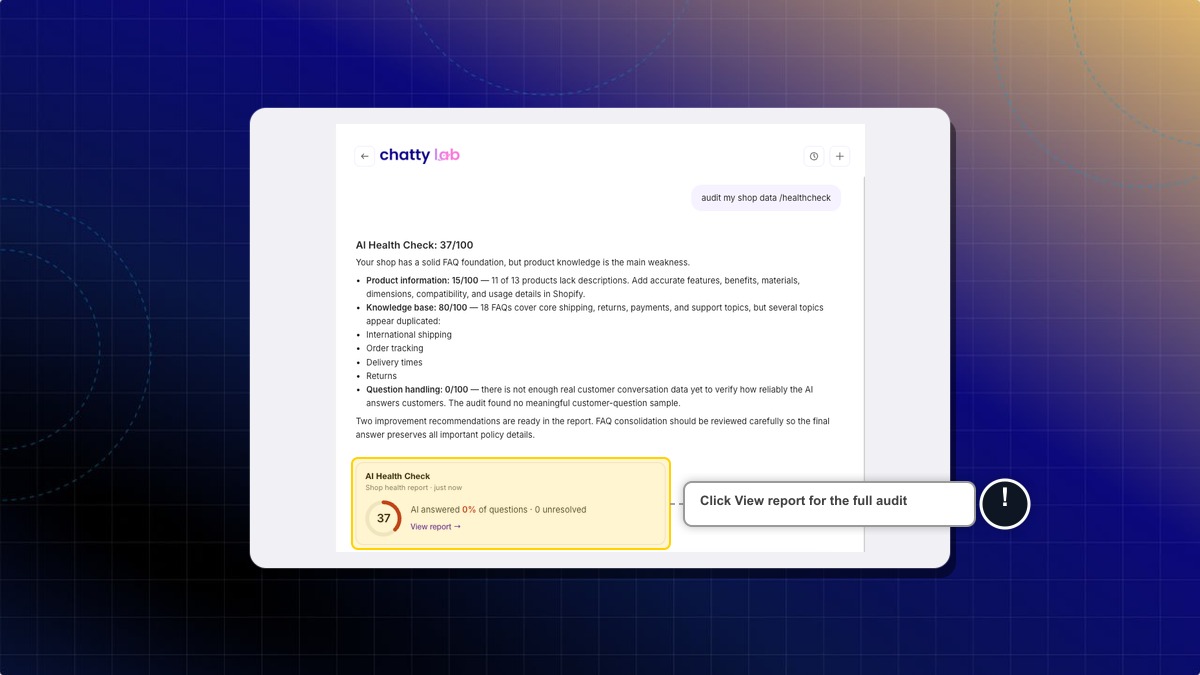
Expected result: You see a score out of 100, broken down by product information, knowledge base, and question handling. It also lists the gaps the agent found in your training data.
How to ask the agent a question
You can also type a normal question instead of a command. For example, "Why does my AI keep missing shipping questions?" or "Which FAQs should I add first?".
- Type your question in the message box.
- Press Enter.
- Read the answer. If the agent finds something to fix, it adds a proposal to the right panel.
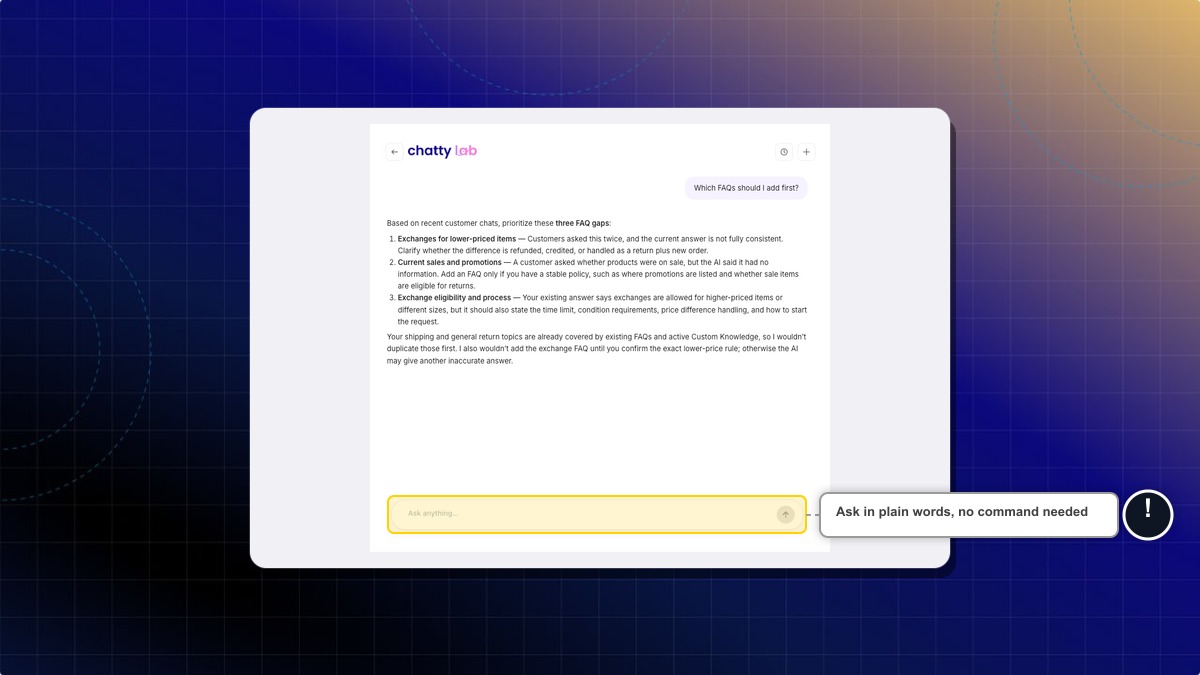
On an empty chat you also get three starter cards: Audit my shop, Find missing FAQs, and Review AI instructions. Click one to send it.
Expected result: The agent answers using your real store data, not generic advice.
How to review and accept a proposal
A proposal is a change the agent wants to make to your AI setup. Each one shows what changes and why.
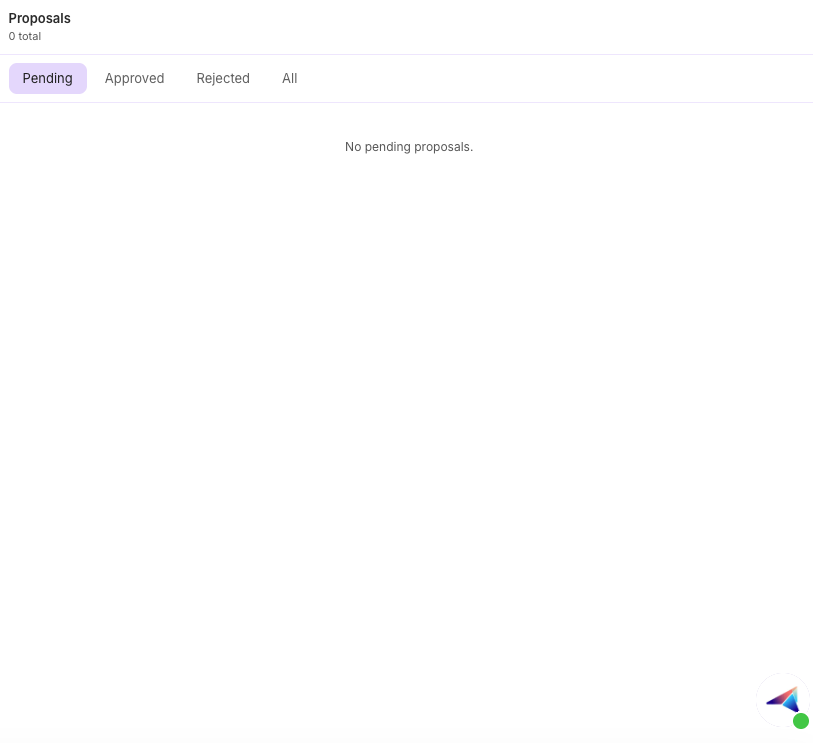
- Open the Proposals panel on the right. On mobile, tap the proposals icon in the header.
- Stay on the Pending tab. Pending proposals are already open.
- Click Show diff to see the exact before and after values.
- Click Accept to apply the change, or Reject to discard it.
Expected result: Accepted proposals move to the Approved tab and the change is live in your AI setup right away. Rejected ones move to the Rejected tab.
If you have more than one pending proposal, an Accept all button appears at the top of the panel. It applies every pending proposal in one click.
Accepting applies the change immediately. There is no undo inside Chatty Lab. To reverse a change, edit the FAQ, scenario, or instruction directly on its own page.
What a proposal can change
| Proposal | What it does |
|---|---|
| New FAQ | Adds a question and answer to a category you already use |
| Update FAQ | Rewrites the answer of an existing FAQ |
| Update scenario | Changes the instruction of a customer support scenario |
| New policy skill | Adds a store rule, such as shipping or returns, to your training data |
| Update AI instructions | Edits your general AI instructions |
| Enable feature | Turns on an AI feature you have not used yet |
Slash commands
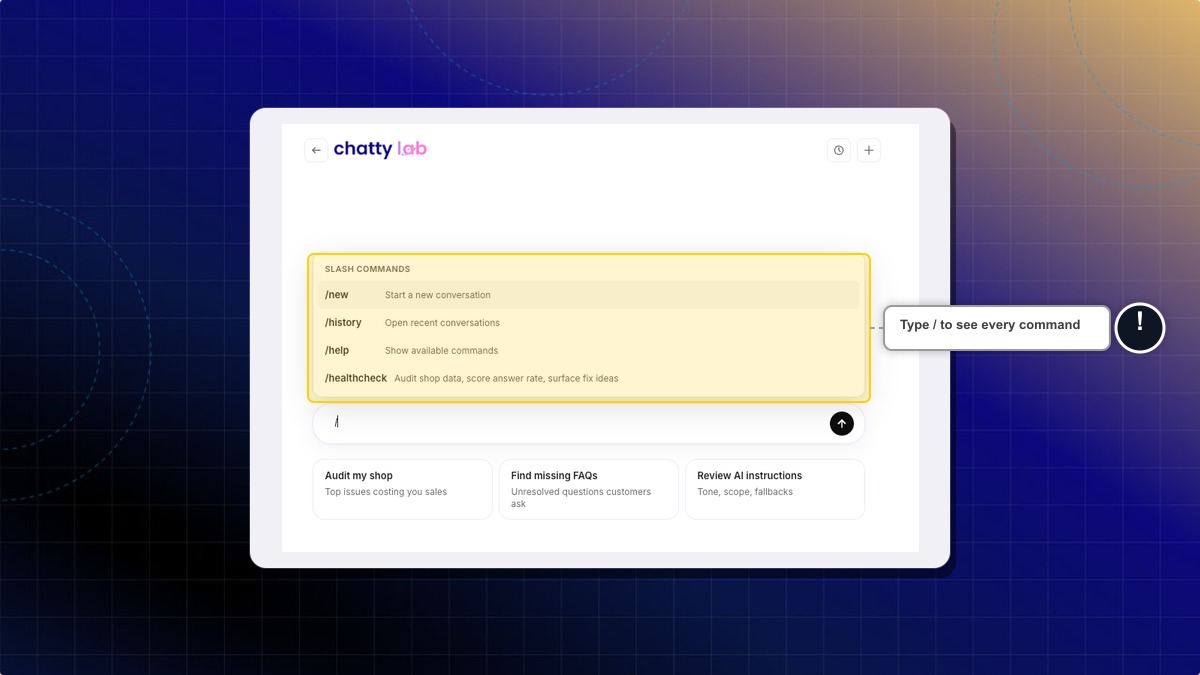
Type / in the message box to open the command list.
| Command | What it does |
|---|---|
/healthcheck | Audits shop data, scores answer rate, surfaces fix ideas |
/new | Starts a new conversation |
/history | Opens your recent conversations |
/help | Shows the available commands |
Do I have to accept every proposal?
No. Reject anything that does not match how you run your store. Rejecting does not delete data, it only closes the proposal.
How long does a pending proposal stay open?
Seven days. After that it expires and you cannot accept it. Run the check again to get a fresh proposal.
Can I get back to an earlier Chatty Lab conversation?
Yes. Click Recent chats in the header, or type /history, then pick the conversation you want.
Can staff members accept proposals?
Yes. Anyone on your team who can open Chatty Lab can accept or reject proposals. The panel is not read-only for staff.
Does Chatty Lab talk to my customers?
No. Chatty Lab is an admin-only workspace. Your customers never see it, and nothing you type there is sent to the chatbox.
 Chatty Help Center