Helpdesk
Who can use this feature?
- Helpdesk is in early access. Request early access (opens in a new tab) and we turn it on for your store.
- Once Helpdesk is on for your store, it works on every plan
- You see Helpdesk when your role can view tickets
Helpdesk tracks a customer request as a ticket. You work the ticket in Helpdesk, turn an Inbox conversation into a ticket, or turn incoming email into tickets.
The guides below are grouped by the job you are doing. Open the one that matches the outcome.
How to request early access
We open Helpdesk to stores in batches. Until it is on for your store, Chatty shows an early access page instead of Helpdesk.
- Open Chatty. On Home, find the Helpdesk early access card in New in Chatty.
- Click Get early access.
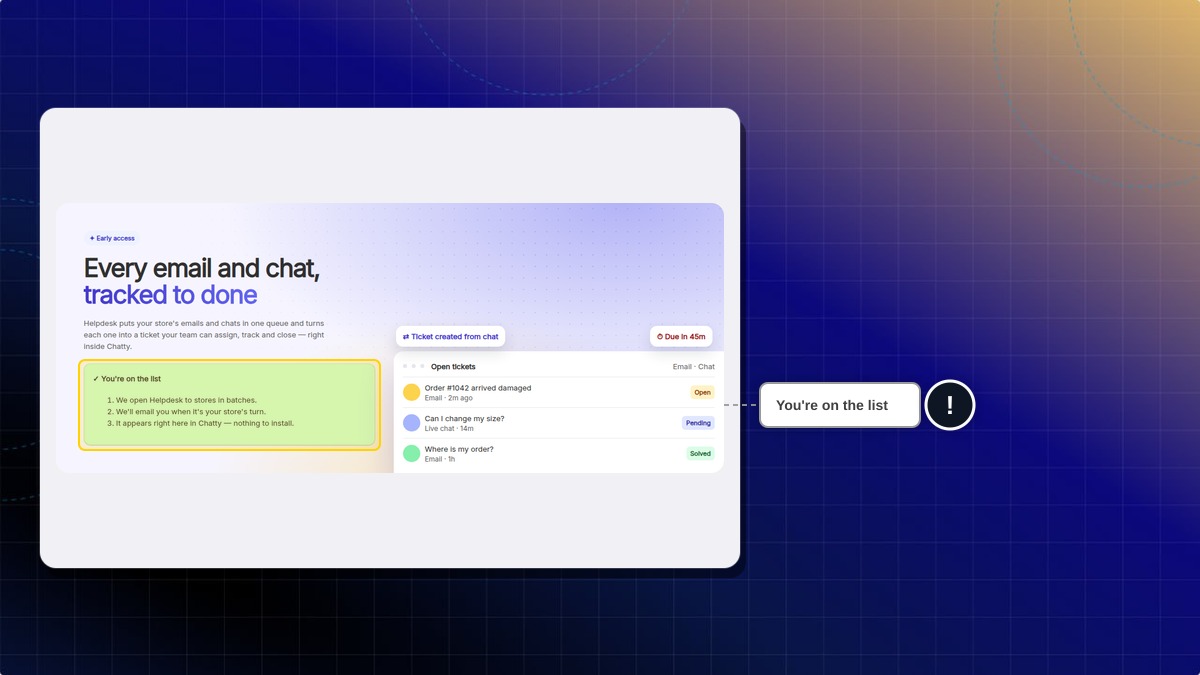
Expected result: Chatty shows "You're on the Helpdesk waitlist". The card stays on Home and now reads You're on the list.
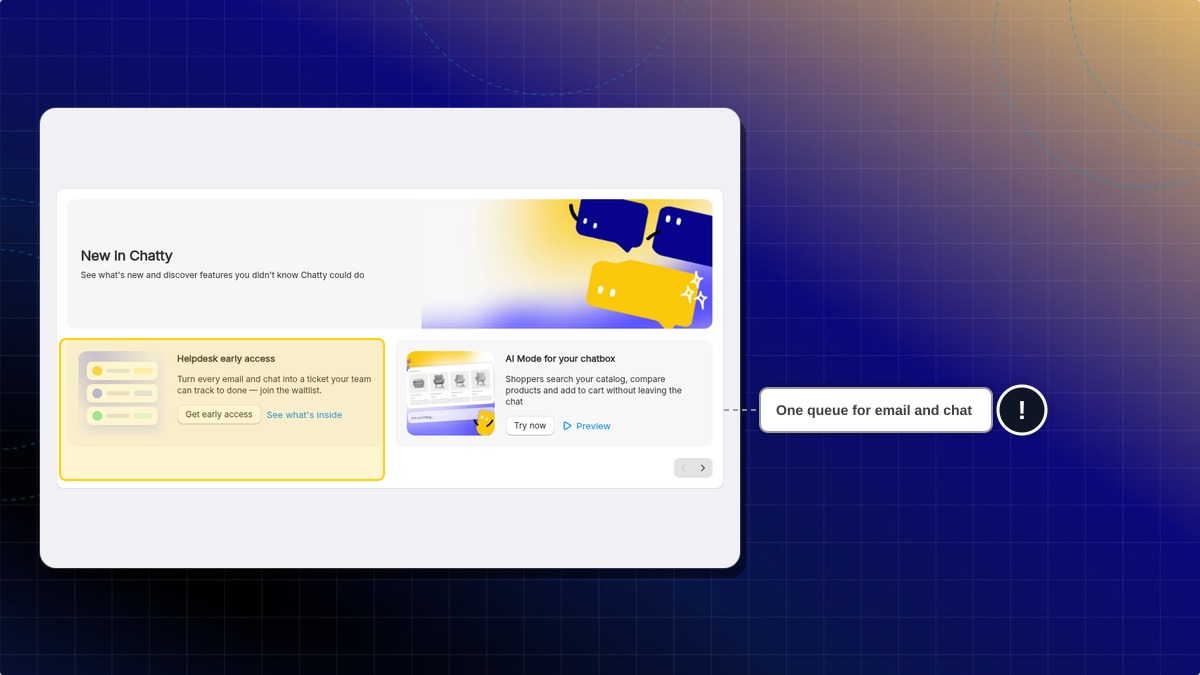
You can also click See what's inside to open the early access page, then click Get early access there.
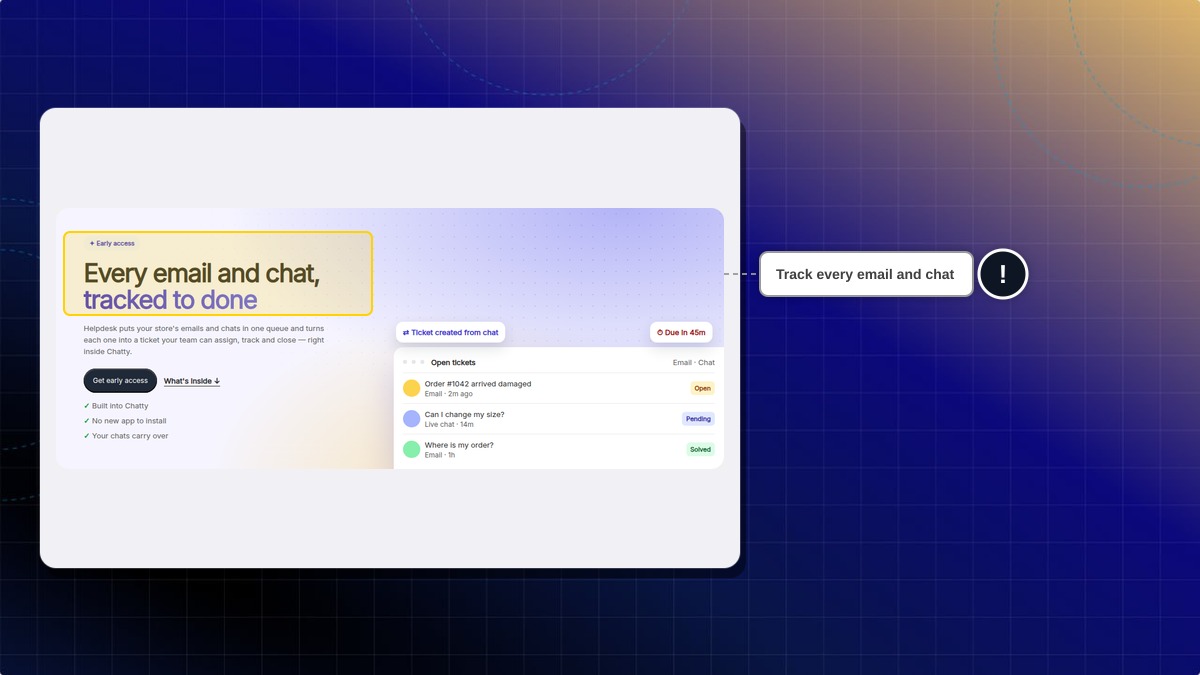
Expected result: The early access page shows You're on the list. When Helpdesk is on for your store, it shows in Chatty, with nothing to install.
You can also request early access (opens in a new tab) on our website.
Why don't I see the Helpdesk early access card?
The card hides once Helpdesk is on for your store. After you join the list, it stays on Home and reads You're on the list.
How to open Helpdesk
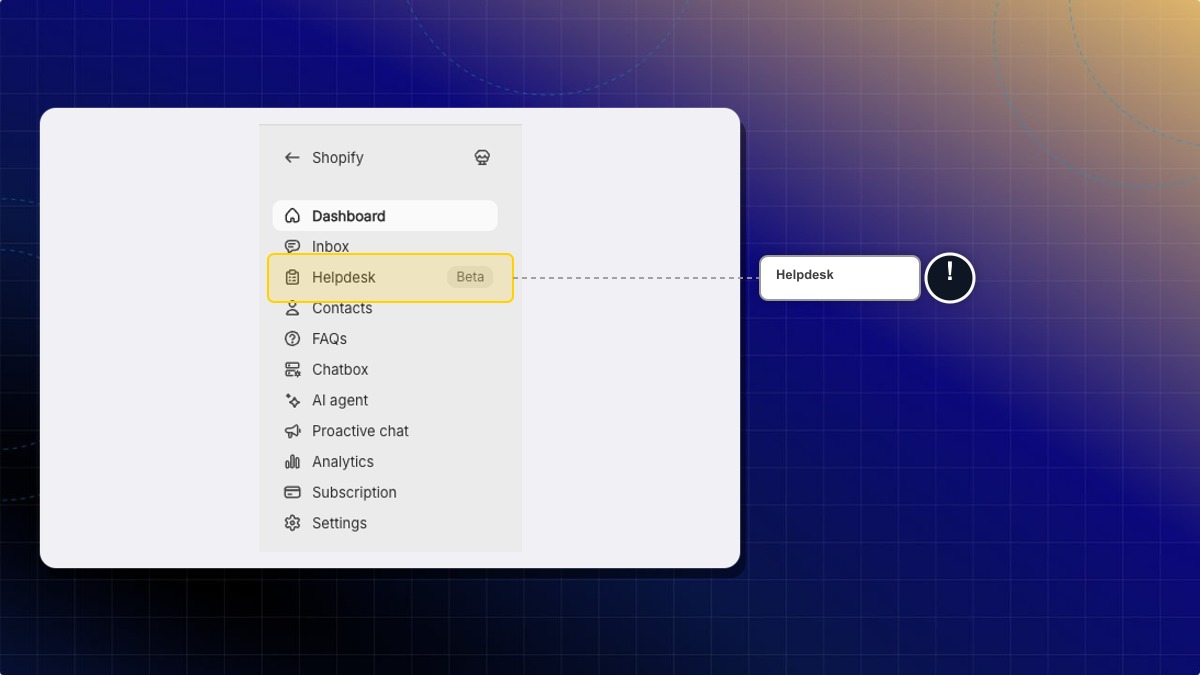
- In the Chatty web app, click Helpdesk in the left navigation. The Chatty menu inside Shopify admin has no Helpdesk item.
Expected result: Helpdesk opens for the store you are working in. Start in Inbox.
You can also click Helpdesk at the bottom of the Inbox sidebar, or View AI Feedback in Helpdesk on the AI agent page.
Answer a customer
The customer gets an answer, and you keep the record.
Tickets
Work a ticket
Reply
From a conversation
Macros
Contacts
Email signature
Sort the queue
The right person gets the ticket, on time.
Assignment
Rules
SLA
Tags
Ticket fields
Ticket IDs
See how support is doing
You see speed, satisfaction, and what to fix.
Analytics
Dashboards
CSAT
Export
Reports
Help customers find an answer
A shopper gets an answer before a ticket.
Let AI help
A draft is ready. You still decide what to send.
AI Helpdesk
Agents
Needs improvement
Stay notified
The right event reaches you.
Notifications
Shortcuts
Integrations
 Chatty Help Center