# Zendesk
{% hint style="info" %}
**Who can use this feature?**
* This feature is available for all users
{% endhint %}
### What is Zendesk integration?
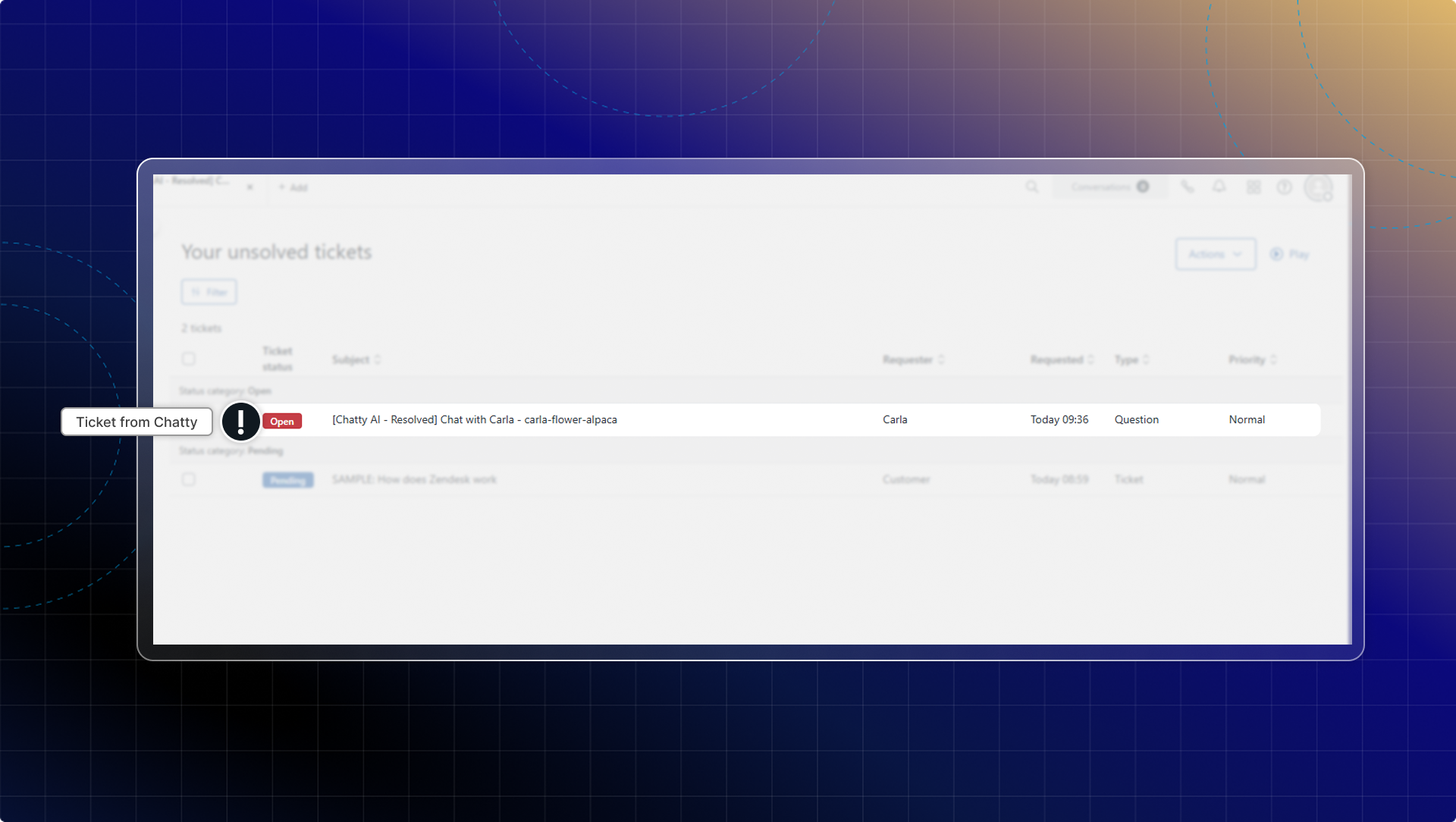
Zendesk integration automatically saves your Chatty conversation history to Zendesk as support tickets.
When you resolve a conversation in Chatty, the system creates a ticket in Zendesk with the full conversation transcript and customer details.
#### Why integrate Zendesk?
With Zendesk integration, you can:
* Automatically save all resolved conversations as Zendesk tickets
* Keep complete conversation history in one central system
* Track support performance across all channels
* Access customer interaction records without manual work
#### How to connect Zendesk with Chatty
{% stepper %}
{% step %}
#### Go to Zendesk Integration
* Go to **Settings** → **Integrations**
* Find **Zendesk** in the integrations list
* Click **Manage**
{% endstep %}
{% step %}
#### Enter Zendesk subdomain
Enter your Zendesk account subdomain.
Your Zendesk subdomain is the first part of your Zendesk URL. For example, if your Zendesk URL is `yourstore.zendesk.com`, your subdomain is `yourstore`.
{% endstep %}
{% step %}
#### Authorize connection
* Click **Connect**
* You'll be redirected to Zendesk OAuth page
* Click **Allow** to authorize Chatty
* You'll be redirected back to Chatty
* Your connection status will show as **Connected**
{% endstep %}
{% endstepper %}
#### How Zendesk integration works
**Automatic ticket creation**
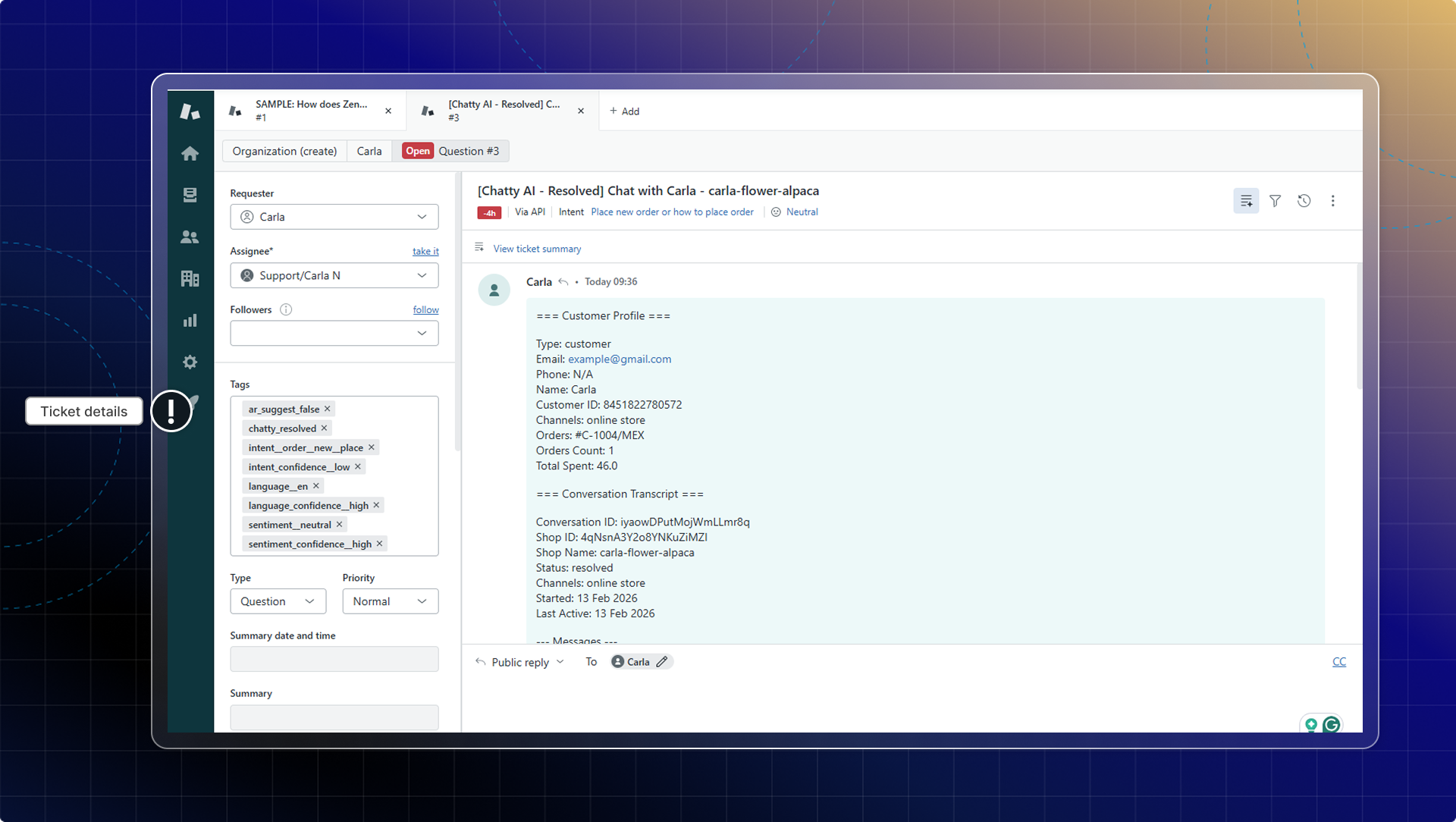
When you resolve a conversation in Chatty inbox, the integration automatically creates a ticket in Zendesk.
Each ticket includes:
* Customer profile information (name, email, contact details)
* Complete conversation transcript
* Timestamp of the conversation
**Reopened conversations**
If you reopen and resolve a conversation again, Chatty creates a new ticket in Zendesk instead of updating the previous ticket. This helps you track each support interaction separately.